In addition to the default notification rules available in your Merchant Back Office, it is possible to add custom notification rules.
An action will be triggered based on the desired event(s).
Via the menu Settings: > Notification rules.
-
Select Advanced notification.
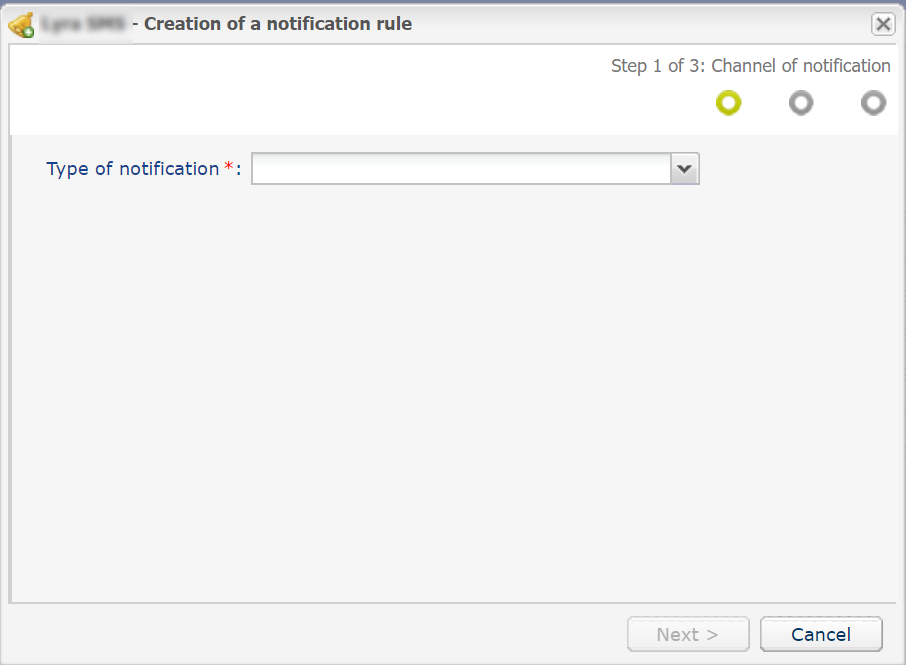
The notification rule creation wizard guides you step by step through the process of choosing your notification type and configuring the necessary parameters, until the activation.
For example, you can:- Create a notification of “Instant Payment Notification” type
- Create a notification of “Refund” type
- Create a notification of “SMS sent to the merchant” type
- Create a notification of “SMS sent to the buyer” type
- Create a notification of “E-mail sent to the merchant” type
- Create a notification of “E-mail sent to the buyer” type
For each of these custom notifications, detailed instructions are available in the Create a Custom Notification Rule section of the user manual: Notification Center.
e-mail