- Sign in to the Merchant Back Office:
https://scelliuspaiement.labanquepostale.fr/vads-merchant/
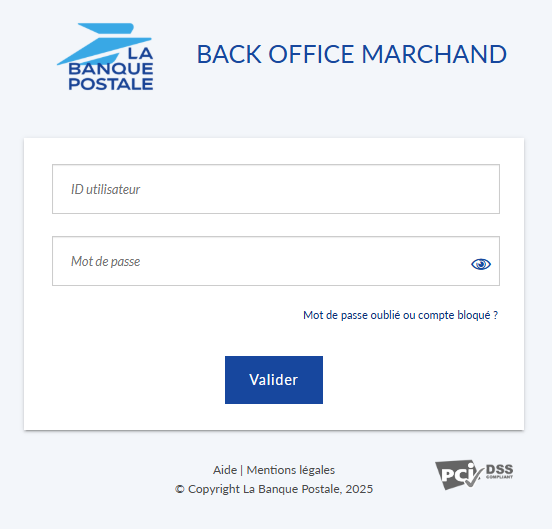
- Enter the login information provided in the password reset email and click Validate.
This email was sent by ne_pas_repondre@scelliuspaiement.labanquepostale.fr.
- Enter the security code, then click Next.
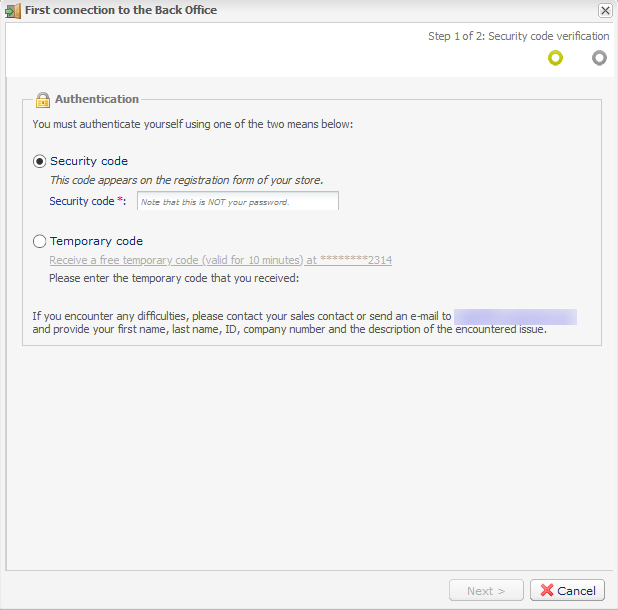
- If you don't know the security code, select Temporary Code via SMS.
This option is only available if you provided a valid mobile phone number when you registered. If not, please contact the store manager or the E-Banking Merchant Support Service to provide a valid phone number. You can then request a temporary code via text message.
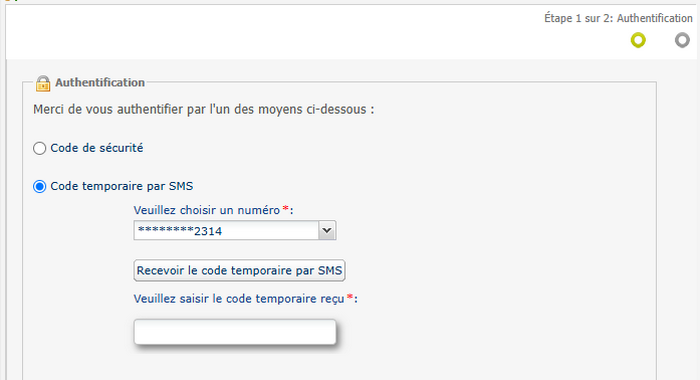
- Click Receive the temporary code via text message.
A temporary code will be sent to the mobile phone number associated with your user account.
If your account is linked to multiple phone numbers, you can choose which one to use.
- Enter the code you received via SMS, then click Next.
- Click Receive the temporary code via text message.
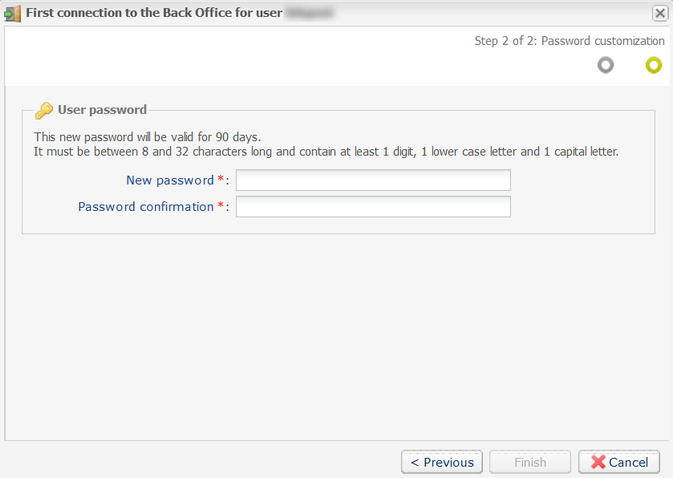
- Customize your new password according to the guidelines provided, then click Finish.