To set up strong authentication:
- Go toGoogle Playor to theApp Store.
- Install one of the following authentication apps:
- 2FA Authenticator
- Google Authenticator
- FreeOTP Authenticator
- Microsoft Authenticator
- ...
- Access the login page of your Merchant Back Office:
https://scelliuspaiement.labanquepostale.fr/vads-merchant/
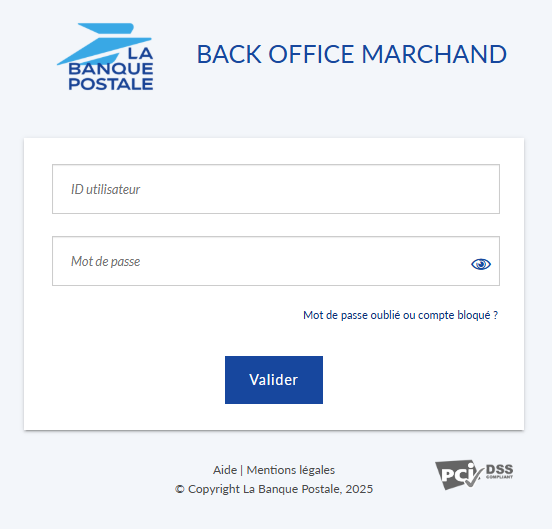
- Enter your login ID and password.
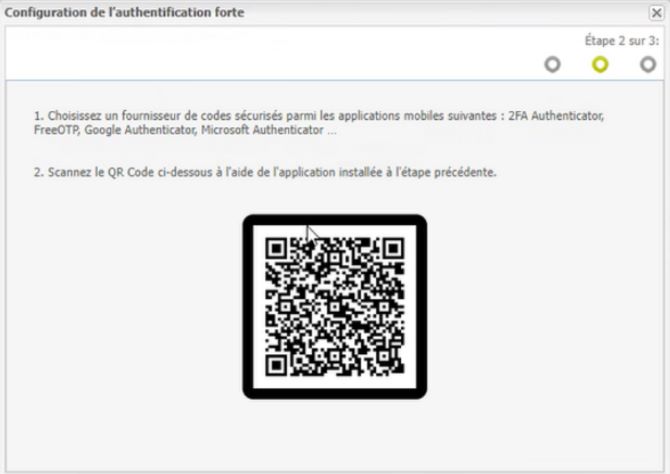
- Launch your authentication app.
- Scan the QR code using the scan feature in your authentication app.
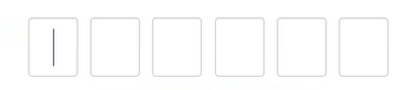
- Enter the one-time code generated by your authentication app to log in to Merchant Back Office.
- Click Validate.
Setup is complete. Your smartphone has been registered as a trusted device.
The next time you log in, you will only be asked for the one-time code.